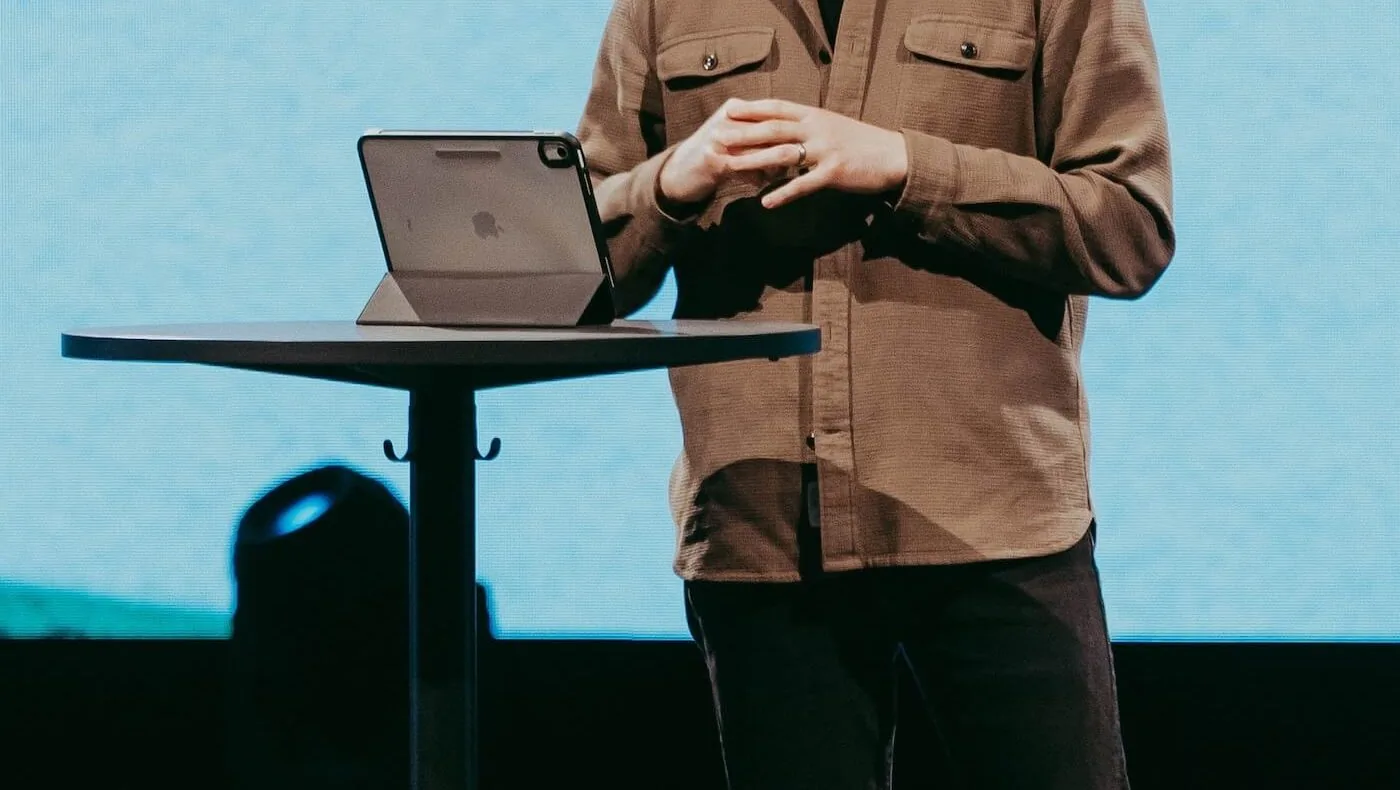
You're two minutes into your message and you can feel it happening. The text is too small, so you're pinching to zoom. Your thumb finds the wrong line. Somewhere in the third point you lose the thread you had ten minutes ago at your desk, and the congregation can tell.
If you've searched anything like "how to preach from an iPad," you've probably already tried the obvious fixes. Bigger font. Brighter screen. A different app. Some of them help. None of them fix the actual problem, because the actual problem isn't your iPad. It's that the tool you used to write the sermon was never built to be preached from.
Writing apps are good at writing, not standing up
I've used Evernote since it launched. Still do. It's fast, it's searchable, and it's a genuinely great place to think through a passage and build a manuscript. Word and Google Docs are fine too, for the same reason: they're built around a cursor, a toolbar, and constant small edits. Plenty of preachers stay with whichever one they started with and never look elsewhere, and that's a perfectly reasonable way to work.
None of that is what you want on a Sunday morning, though. On stage, a blinking cursor is a distraction. A toolbar is wasted space. And 11 point type that looked fine on a laptop screen looks like an eye chart from behind a pulpit at 9am with the lights up.
A common fix, and why it works for exactly one Sunday
A common fix is to export the sermon as a PDF or Word doc and open it in something built for reading. GoodReader, Kindle, Apple Books, whatever you've landed on. Every preacher has their own process here, but if you're setting this up, a few things are worth doing:
- Turn off auto-lock before you preach. Settings > Display & Brightness > Auto-Lock > Never, and remember to turn it back on afterward.
- Turn on Do Not Disturb. A text notification sliding down mid-sentence is its own kind of losing your place.
- Set brightness manually, not on auto. Stage lighting and auto-brightness sensors do not get along.
- Pick a serif font if your reader lets you choose one. Long-form reading fonts are easier to track line to line than the sans-serif fonts most writing apps default to.
- Use a reader with adjustable line spacing, not just font size. Tight line spacing is what actually causes you to lose your place, more than small type does.
Do this once and Sunday goes fine. The manuscript is legible, the screen behaves, you preach it.
The part nobody warns you about
Here's what happens next. It's Tuesday, and you're prepping for the following week, or you're reworking Saturday night because the illustration you planned isn't landing when you read it out loud. You go back into Word or Evernote, make the change, and now your PDF is wrong.
So you re-export. Re-upload to GoodReader or Kindle. Wait for it to sync across your devices. Then you open it to check, and something in the formatting shifted, so you fix that too, and export again.
None of that is a big deal once. It's a genuine drag when you do it every week, because a sermon isn't a document you finish and file away. It's alive right up until you're standing in front of people. Every real edit means a full round trip through two separate tools, and at some point you're managing files instead of preparing a message.
That was the actual problem I kept running into. Not theology, not the discipline of exegesis, not the hard work of getting from a blank page to something worth saying. Just the gap between where I wrote and where I preached, and how much friction that gap added to something that should have gotten easier every year I did it, not harder.
What I ended up building
I built Preach Now because I wanted one document that did both jobs. Write in it like you'd write anywhere else: real formatting, find and replace, notes in the margin. Then tap into preach mode and it becomes the stage version, with the font, size, spacing, and theme set exactly how you like to read from a screen, no exporting, no re-uploading, no separate app to keep in sync.
If you're not looking for a new tool, the checklist above will still get you through Sunday. But if you're tired of the round trip between your writing app and your reading app, that's the exact gap Preach Now was built to close.